Layout Where-Used
On the Report Layouts and Document Creator User-Defined Report Layouts page you can find a Layout Where-Used action, which opens a page that shows where a specific report layout is used across the system.
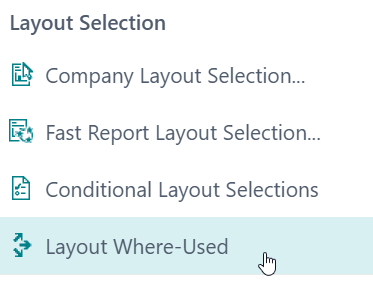
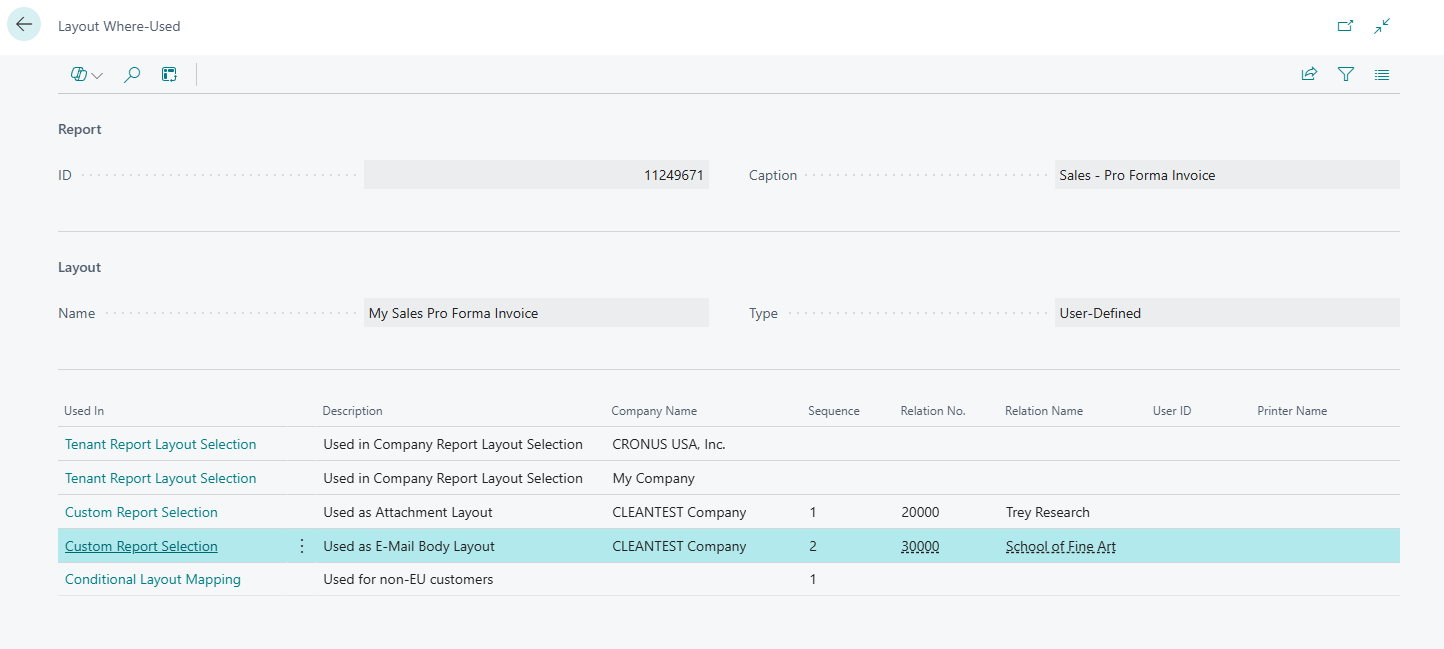
The action opens the Layout Where-Used page which displays where the report layout is configured to be used. More specifically, this checks for usages of the report layout in the following locations:
| Used in Table | Checks for the following layout usages |
|---|---|
| Report Metadata | The layout is the report object's default built-in layout. |
| Report Layout Selection | The layout is selected to be used in one or more companies. |
| Report Selections | The layout is used as the PDF attachment layout or E-mail body layout for one or more document types/usages. |
| Custom Report Selections | The layout is used for specific customers/vendors as the PDF attachment layout or e-mail body layout for one or more document types/usages. |
| Conditional Layout Mappings | The layout is used when the document's data meets specific conditions. |
| Layout Printer Selections | The layout is referenced in a layout-specific printer selection. |
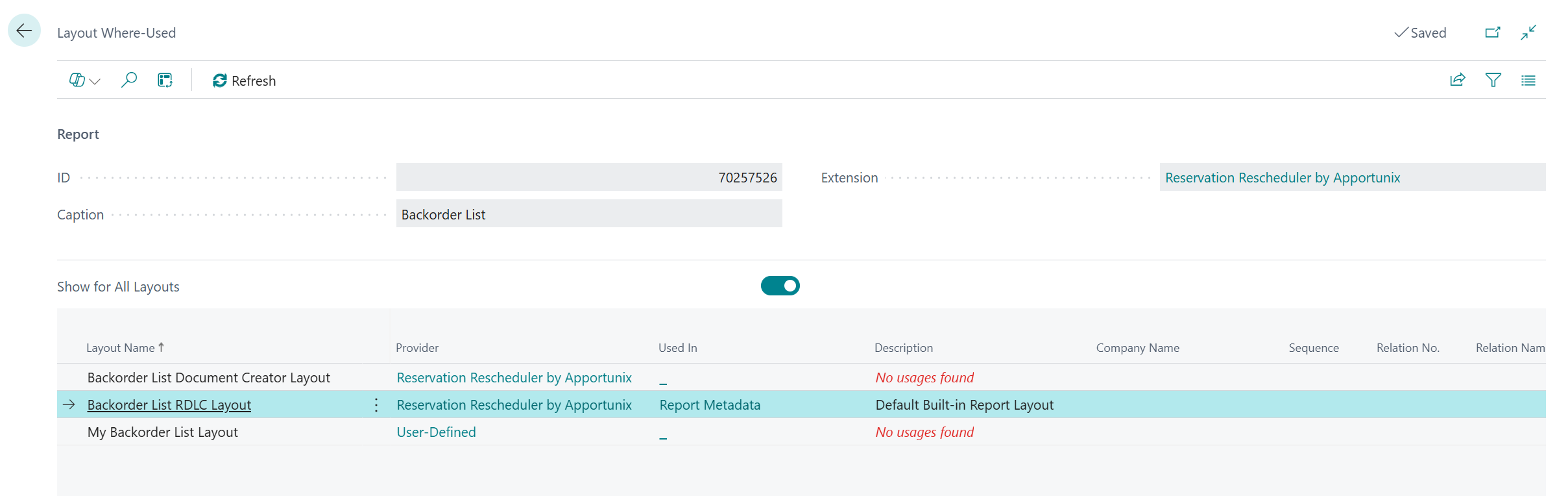
On the Layout Where-Used page there is also a Show for All Layouts toggle that can be used to view where all of the layouts of a report object are configured to be used: